

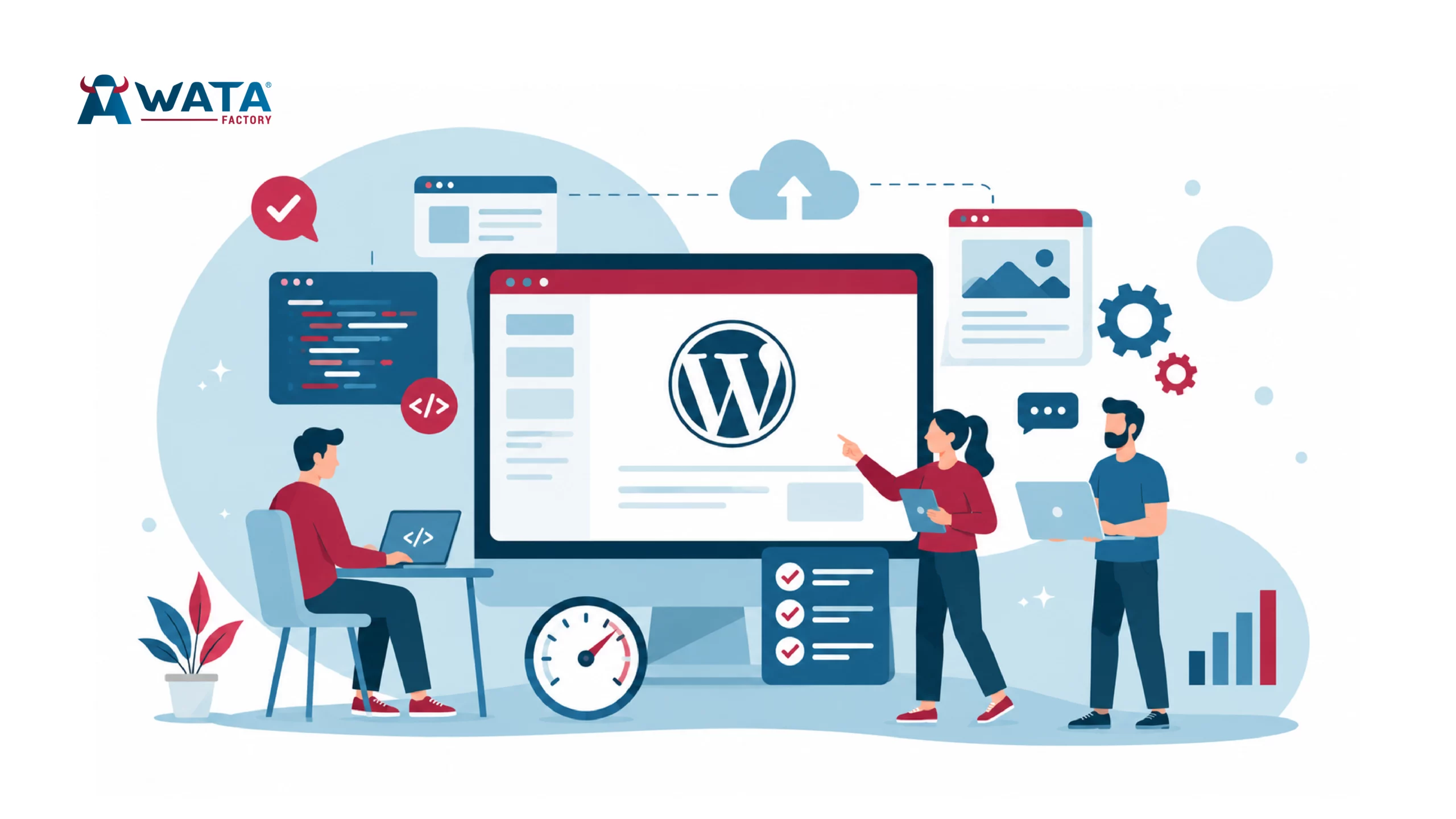
WordPress 7.0 shipped on 20 May 2026, after a five-week delay and a decision that cut its headline feature days before release. At WATA Factory, we run WordPress alongside our PHP, Symfony and Angular work for clients across Spain and Germany, so a major core release means staging environments, plugin audits and a few late evenings before we touch anything live. Here’s what actually shipped, what got cut, and what to check before you update a client site.
What Actually Shipped in WordPress 7.0
WordPress 7.0, internally referred to during development as “Armstrong,” landed after the core team pushed the release back from 9 April to 20 May. The extra five weeks went into stabilising the data layer behind a feature that, in the end, didn’t make the cut. More on that below.
What did land: a new AI infrastructure layer, a redesigned admin interface built on a React-based system called DataViews, a handful of new blocks, and a raised PHP floor. None of it is flashy in the way real-time co-editing would have been, but it’s the kind of release that changes how plugins and themes get built over the next two or three years rather than how a single post looks next week.
For agencies, the practical question isn’t “what’s new” so much as “what breaks.” Introduction to WordPress page builders covers some of the deeper editor-level changes we’ve tracked across recent WordPress versions, and the same logic applies here: anything that hooks deeply into the block editor, the admin list tables, or post locking needs a proper test pass before 7.0 goes anywhere near production.
PHP 7.4 Is the New Floor, Not the Ceiling
WordPress 7.0 drops support for PHP 7.2 and 7.3. The minimum is now PHP 7.4, and the core team recommends PHP 8.2 or newer for sites that care about performance and security patching, which should be every site.
This sounds like a footnote until you’re the one managing thirty client accounts on shared hosting, some of which were set to “inherit” the server default PHP version years ago and never touched since. If a client’s stack is still on 7.2 or 7.3, updating to WordPress 7.0 isn’t optional reading, it’s a blocker. The update will either fail outright or run in a broken, unsupported state.
Our advice to clients hasn’t changed in years: check the PHP version explicitly, don’t trust “inherit,” and test on a staging copy first. It’s the same discipline we apply on our own PHP and Symfony projects, just with a WordPress dashboard instead of a deployment pipeline.
The WP AI Client and Abilities API
This is the part of 7.0 that matters most for anyone building plugins or themes, even if most site owners will never notice it.
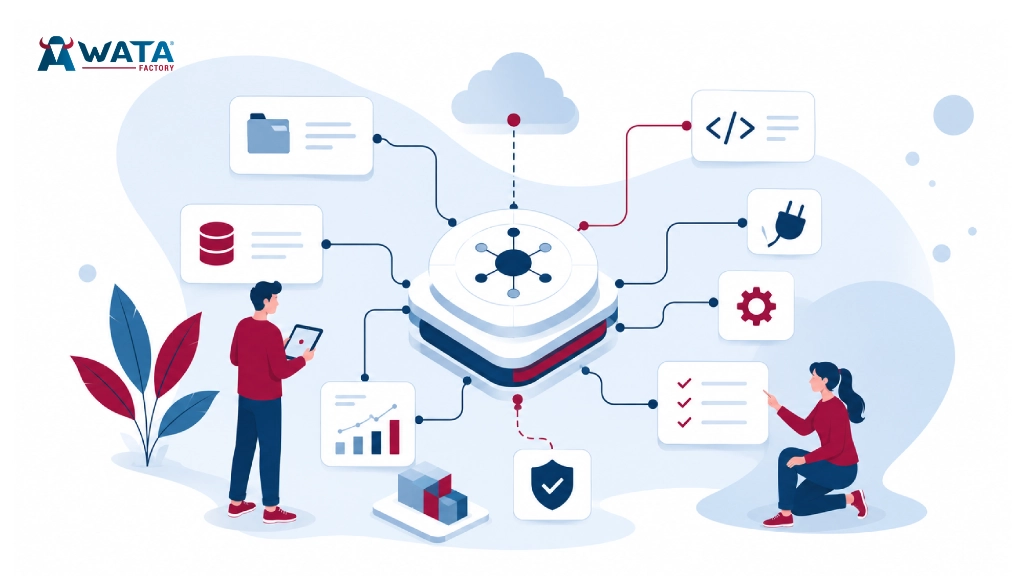
WordPress 7.0 introduces the WP AI Client, a PHP API built into core that gives plugins a standard way to talk to external AI models without writing a separate integration for each provider. Developers call a single function, wp_ai_client_prompt(), and WordPress handles the translation to whichever provider the site owner has connected. There’s a new Connectors screen under Settings where site owners pick a provider, with OpenAI, Google Gemini and Anthropic Claude pre-registered as options. Nothing talks to an external model until someone explicitly connects one.
Sitting alongside it is the Abilities API, which lets plugins and themes register what they can do in a format both humans and AI agents can read. In practice, this means a plugin can expose “create a draft post” or “resize this image” as a structured capability rather than a string of conditional logic an AI assistant has to guess at.
For developers used to building bespoke AI features plugin by plugin, this is the part worth reading the developer notes for properly. It won’t change anything for a site that doesn’t connect a provider, but for the ones that do, it changes who’s responsible for the integration layer.
DataViews, the Command Palette and a Quieter Admin Redesign
The admin overhaul in 7.0 isn’t a repaint. DataViews replaces the old PHP-rendered list tables for posts, pages, media and users with a React-based interface that filters, sorts and bulk-edits without a full page reload. If you’ve ever watched a client wait for a list table to reload after changing a filter, this is the fix.
The Command Palette (Cmd-K or Ctrl-K) now works on every wp-admin screen instead of just the block editor, which matters more than it sounds once you’re used to it. Add in block-level custom CSS and a couple of new blocks for breadcrumbs and icons, and the overall effect is an admin that feels less like 2013 without anyone needing to relearn where things live.
None of this requires plugin changes on its own, but anything that injects custom JavaScript into the old list tables, page builders included, should be checked against the new DataViews screens before you roll an update to a client.
Real-Time Collaboration: Built, Tested, Then Pulled
This is the headline that didn’t happen. Real-time collaboration, the Google Docs-style feature that would have let multiple people edit the same post at once, was meant to be the centrepiece of WordPress 7.0 and the official milestone for Phase 3 of the Gutenberg roadmap.
On 8 May, twelve days before release, WordPress lead Matt Mullenweg made the call to pull it. The reasons given were specific: surface area, race conditions, server load, memory efficiency, and bugs that kept turning up in fuzz testing. Rather than ship a feature that touches live content under those conditions, the team cut it and moved forward with the rest of the release.
If you’ve had a client ask about live co-editing because they read about WordPress 7.0 somewhere, the honest answer is that it isn’t there yet, and there’s no confirmed date for when it will be. We’d rather tell a client that upfront than promise a feature that got pulled twelve days before launch.
A Practical Checklist Before You Touch a Client Site
A major core release is routine work if you treat it that way. Before updating any client install to WordPress 7.0:
- Confirm the PHP version explicitly. Don’t rely on a host’s “inherit” setting; check it in cPanel or via php -v.
- Test page builders and editor-heavy plugins on staging first, particularly anything that customises the block editor or the old admin list tables.
- Run your existing automated test suite against the staging copy before promoting it. If you don’t have one yet, weighing the pros and cons of automated testing is a reasonable place to start that conversation with a client.
- Leave AI connectors disconnected until you’ve reviewed what each connected plugin can actually do through the Abilities API.
- Back up before updating, full stop, regardless of how routine the release looks.
We run most of our own staging through a Docker-based WordPress development workflow, which makes it straightforward to spin up a disposable copy of a client site, test the update, and throw the container away if something goes wrong.
FAQ
Is WordPress 7.0 safe to install on a live client site right now?
Yes, the stable release went live on 20 May 2026, but “safe” still means testing on staging first, the same as any major core update.
Does WordPress 7.0 require a PHP upgrade?
The hard minimum is PHP 7.4. Anything below that won’t run 7.0 correctly. PHP 8.2 or newer is recommended.
Will real-time collaboration come to a future WordPress release?
The core team hasn’t given a date. It was pulled from 7.0 over stability concerns and remains an open item for a later release.
Do I need to connect an AI provider to use WordPress 7.0?
No. The Connectors screen and WP AI Client are additive. A site with no provider connected behaves exactly as it did before the update.
Will my page builder still work after upgrading to WordPress 7.0?
Most should, but anything that customises the block editor or the old admin list tables needs a staging test, since DataViews changes how those screens render.
What’s the single most common reason a WordPress 7.0 update fails on client sites?
In our experience, an outdated PHP version that nobody checked before clicking update. It’s avoidable, and it’s the first thing worth confirming.
Summary
WordPress 7.0 is a developer-facing release wearing a fresh coat of admin paint. The AI Client and Abilities API set up infrastructure that plugin authors will be building against for years, DataViews and the Command Palette make the admin noticeably faster to work in, and the PHP 7.4 floor will quietly break a handful of forgotten hosting configurations. Real-time collaboration, the feature everyone was waiting for, didn’t make it, and there’s no firm timeline for when it will.
For agencies, none of this is a reason to rush an update or to avoid one. It’s a reason to check PHP versions properly, test on staging, and treat a major core release the way we’d treat any other production deployment. If you’d like a hand auditing a WordPress install before the next big update lands, get in touch with our team.